40 levels, gems and ball designs
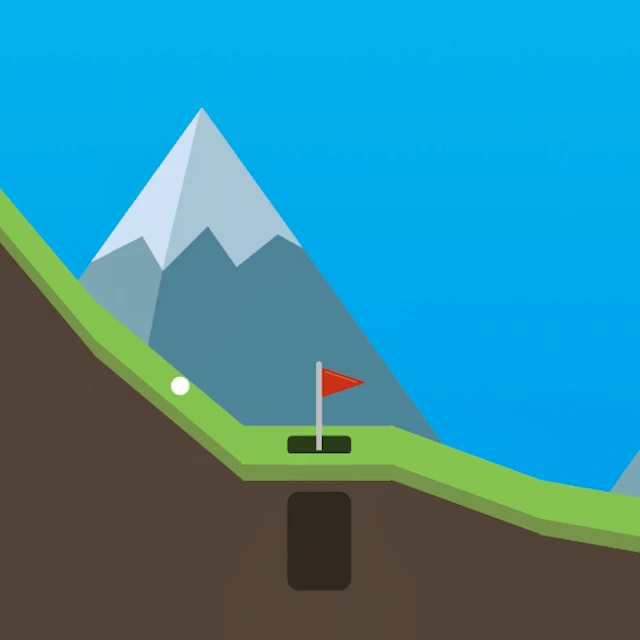
Mini Golf 3D is built as forty short challenges rather than one long course. Each level gives
you a compact green with a clear objective, and the difficulty comes from the obstacle layout
rather than from distance. Optional gems sit off the direct line to the hole, so you make a
small trade on almost every level: take the safe putt and move on, or risk an extra stroke to
collect. Gems unlock new ball designs, which is the only progression system in the game — no
upgrades, no timers, nothing that changes the physics.
Why the 3D view changes your putting line
From above, a putt is a straight line and the only question is strength. In a 3D view you are
standing behind the ball, so slope and elevation read differently: a green that looks flat
from the tee can break noticeably near the hole. The practical adjustment is to aim shorter
than you think on uphill putts and to allow more break on the final third of the line, because
that is where the ball is slowest and gravity has the most time to act. On mobile, the portrait layout keeps the whole green on screen, so you can read the slope before you drag.
If the aim feels twitchy, slow the drag rather than shortening it — a slow, long drag is more
accurate than a quick flick.
Frequently asked questions
How many levels are in Mini Golf 3D?
Forty. The levels are short and self-contained, so you can play a handful in one sitting and come back to the rest later.
What are the gems for in Mini Golf 3D?
Gems unlock new ball designs. They are optional and sit off the direct line to the hole, so collecting them usually costs you an extra stroke.
Does Mini Golf 3D work on mobile?
Yes. The game uses a portrait layout and mouse-or-touch controls, so it plays the same on a phone as on a desktop browser.